
Protect Privacy Without Sacrificing Fast, Intelligent Support
Many organizations rely on computers that are used by more than one person.
Hospitals. Universities. Laboratories. Government offices. Libraries. Schools. Manufacturing facilities. Public kiosks. Shared workstations.
In these environments, traditional website chat can create a problem: the next person using the computer may be able to see information left behind from the previous conversation.
Talktiv.ai’s Shared Computer Mode is designed to help reduce that risk.
It gives organizations the ability to provide AI and live chat support on shared devices while automatically clearing local session information after a short period.
Private on the Device. Available to Your Team.
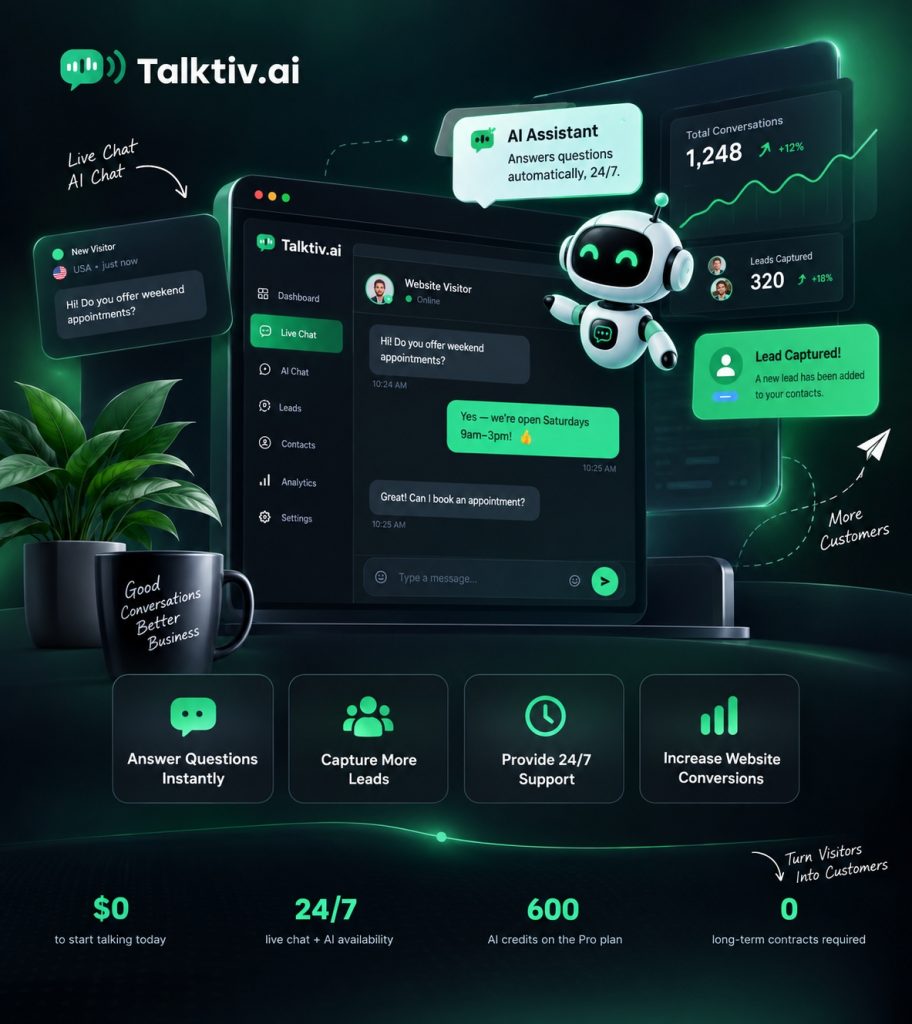

Why Shared Computers Need a Different Kind of Chat
Traditional chat tools are typically designed for personal devices.
A customer opens a conversation, asks questions, leaves the page, and the conversation may still be visible when someone returns.
That may be acceptable on a personal laptop or phone.
It is not ideal for a shared computer.
Imagine a workstation located in a:
- Hospital
- Medical facility
- University
- Laboratory
- Government building
- Library
- School
- Manufacturing facility
- Employee break area
- Customer service kiosk
- Public information center
One person may use the computer immediately after another.
Their conversation should not automatically become the next person’s conversation.
That is where Talktiv.ai Shared Computer Mode can help.

The User Starts a Conversation
The visitor can use Talktiv.ai just like they would on any other website.
They can:
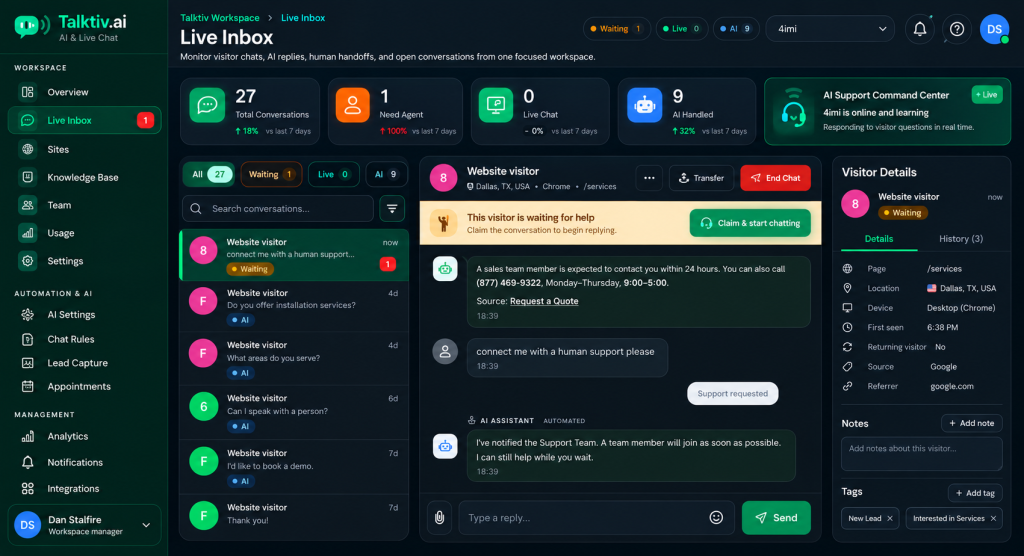
Talktiv Provides AI or Live Assistance
Talktiv can answer questions using information provided by your organization.
When necessary, the conversation can be escalated to a live team member for additional assistance.
AI When It Can Help.
People When They’re Needed.
The User Ends the Session
Users can end their conversation when they are finished.
This provides a clear way to close the session before leaving the computer
Local Session Information Is Cleared
When Shared Computer Mode is enabled, Talktiv can automatically clear the local chat session after a defined period of inactivity.
For example, the session can be cleared after approximately:
5 Minutes
This helps prevent the next user of the computer from simply reopening the previous visitor’s conversation.

The Conversation Can Still Be Available to Your Business
Clearing the conversation from the shared computer does not have to mean losing the support history.
The appropriate conversation record can remain available inside the organization’s Talktiv.ai portal.
This allows authorized team members to review:
Conversation history
Customer questions
Support interactions
Agent responses
Technical issues
Follow-up information
Previous assistance
Clear the Shared Device.
Keep the Business Record.
Hospitals and Healthcare Facilities
Shared computers and public workstations are common throughout healthcare environments.
Talktiv can provide access to information and assistance while helping prevent one user’s chat session from remaining open for the next person.
Universities and Schools
Students, faculty, employees, and visitors may all use shared devices.
Talktiv can help answer questions about:
while allowing local sessions to be cleared automatically.

Government Offices
Government agencies frequently serve people through public terminals, shared workstations, and customer service areas.
Talktiv can provide conversational access to information without requiring each user to leave their chat session behind.
Laboratories
Technical environments often involve shared workstations.
Talktiv can provide AI-assisted access to:
- Procedures
- Documentation
- Equipment information
- Troubleshooting
- Internal guidance
- Technical resources
while Shared Computer Mode helps clear the local conversation when the session is finished.

Libraries and Public Kiosks
Public computers may be used by dozens of people throughout the day.
A chat tool designed around personal devices may not be ideal for this environment.
Talktiv gives organizations another option.
Help the Current User Without Leaving the Conversation for the Next One.
Manufacturing and Industrial Facilities
Shared terminals are commonly used on production floors, warehouses, maintenance areas, and other operational environments.
Employees can use Talktiv to access:
without requiring every employee to have a dedicated workstation.

More Than a Privacy Feature
Shared Computer Mode is only one part of the Talktiv.ai platform.
Your organization can also use Talktiv for:
24/7 AI Assistance
Provide answers even when your team is unavailable.
Live Human Chat
Allow employees to take over conversations that require personal assistance.
Technical Support
Use your documentation and knowledge to answer more complex questions.
Knowledge Training
Train Talktiv using your website, documents, manuals, procedures, FAQs, and other information.
Customer Service
Help users quickly find the information they need.
Sales Assistance
Answer product and service questions and move customers toward the next step.
Appointment Assistance
Help visitors move from a question to an appointment or consultation.
A Better Experience for the User
Shared-device security should not make support difficult.
With Talktiv, users can still have a natural conversation.
They do not need to:
They can simply ask.
Talktiv can answer based on the information your organization has provided.

A Better Experience for Your Team
Your team gains a centralized way to manage conversations while users on shared computers get a cleaner session experience.
That can mean:
- Fewer repetitive questions
- Faster access to information
- More consistent answers
- Easier escalation
- Better organized support history
- Less reliance on traditional help desks for simple questions
- Reduced risk of chat sessions being left visible on shared devices
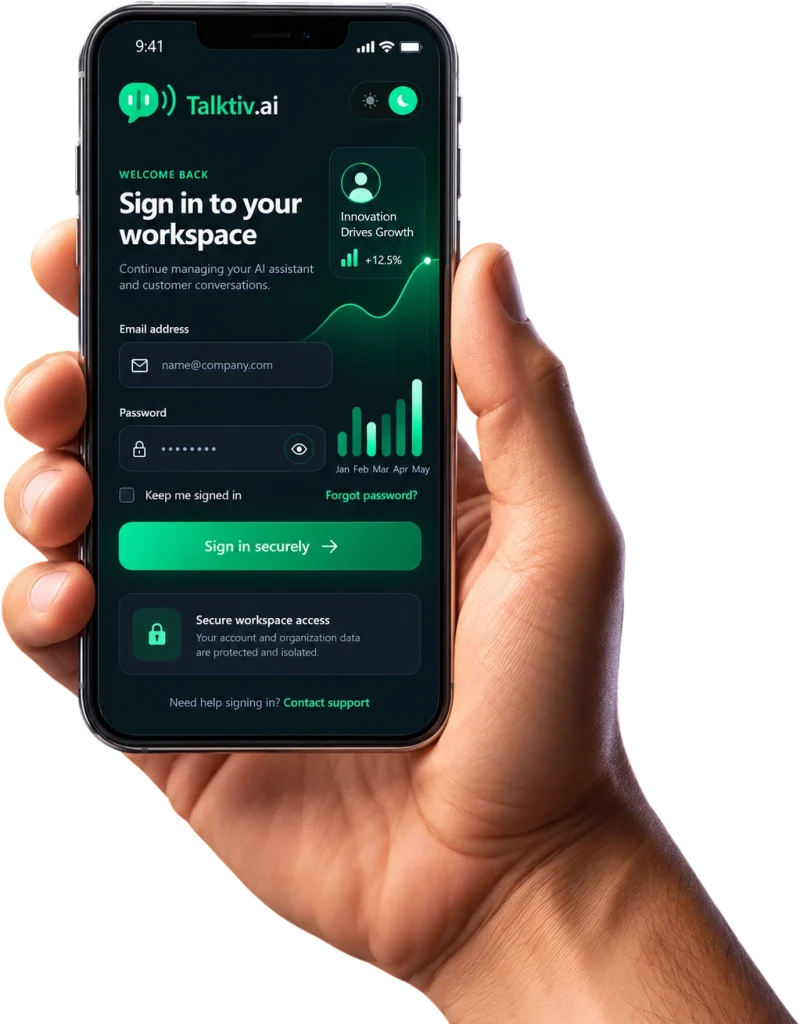
Give Users Control
Users can end their session when they are finished.
That gives them an immediate way to close the conversation instead of relying only on automatic session expiration.
Combined with automatic inactivity clearing, this creates a more appropriate experience for shared environments.
Built for the Way Organizations Actually Work
Not every person has their own computer.
Not every computer belongs to one person.
And not every chat system is designed with that reality in mind.
Talktiv.ai Shared Computer Mode gives organizations a way to bring AI and live assistance to environments where devices may be used by multiple people throughout the day.
AI Support Without Leaving the Conversation Behind.
Common Use Cases
Talktiv Shared Computer Mode can be useful for:

Secure AI Chat for Shared and Public Computers
Give users access to the information and assistance they need while helping prevent previous conversations from remaining visible on shared devices.
Talktiv.ai Shared Computer Mode
AI Assistance.
Live Support.
Automatic Session Clearing.
Business Conversation History.
Built for Shared Environments.
Ready to Bring AI Support to Your Shared Computers?
See how Talktiv.ai can help your organization provide smarter support across public and shared workstations.
