
Add Live Chat and AI Chat to Your Website in a Few Simple Steps
Talktiv.ai is designed to make customer communication easier, not more complicated.
Start with Free Live Chat or add AI Chat when you want automated conversations 24/7.
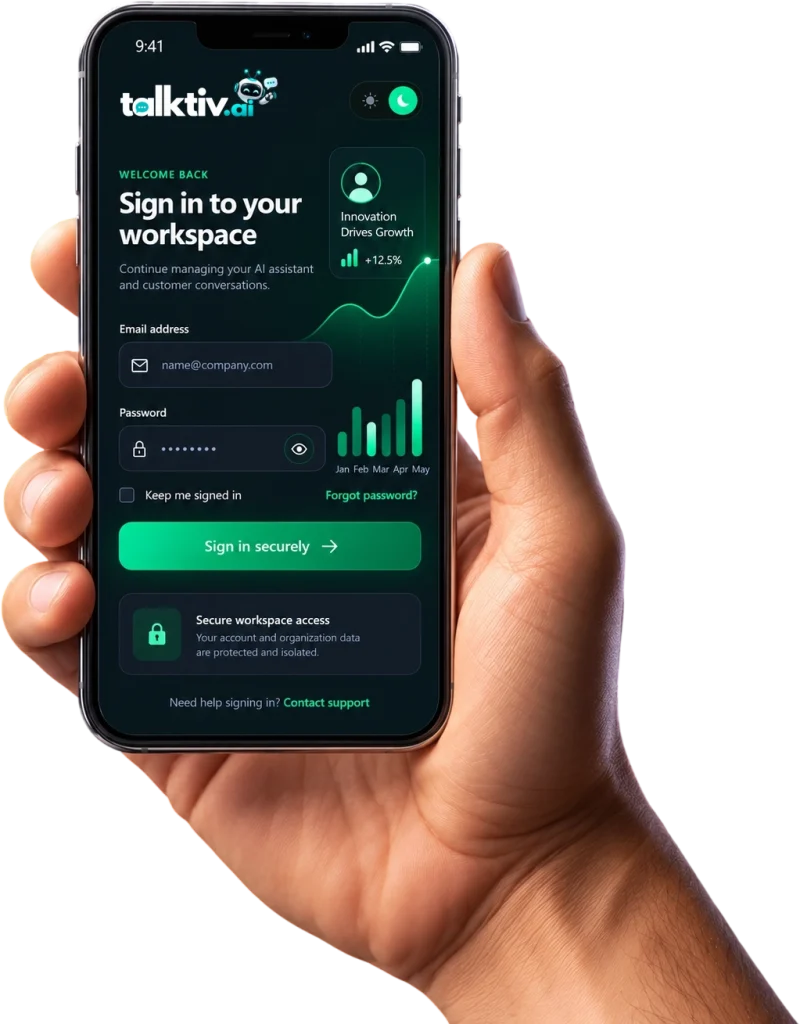
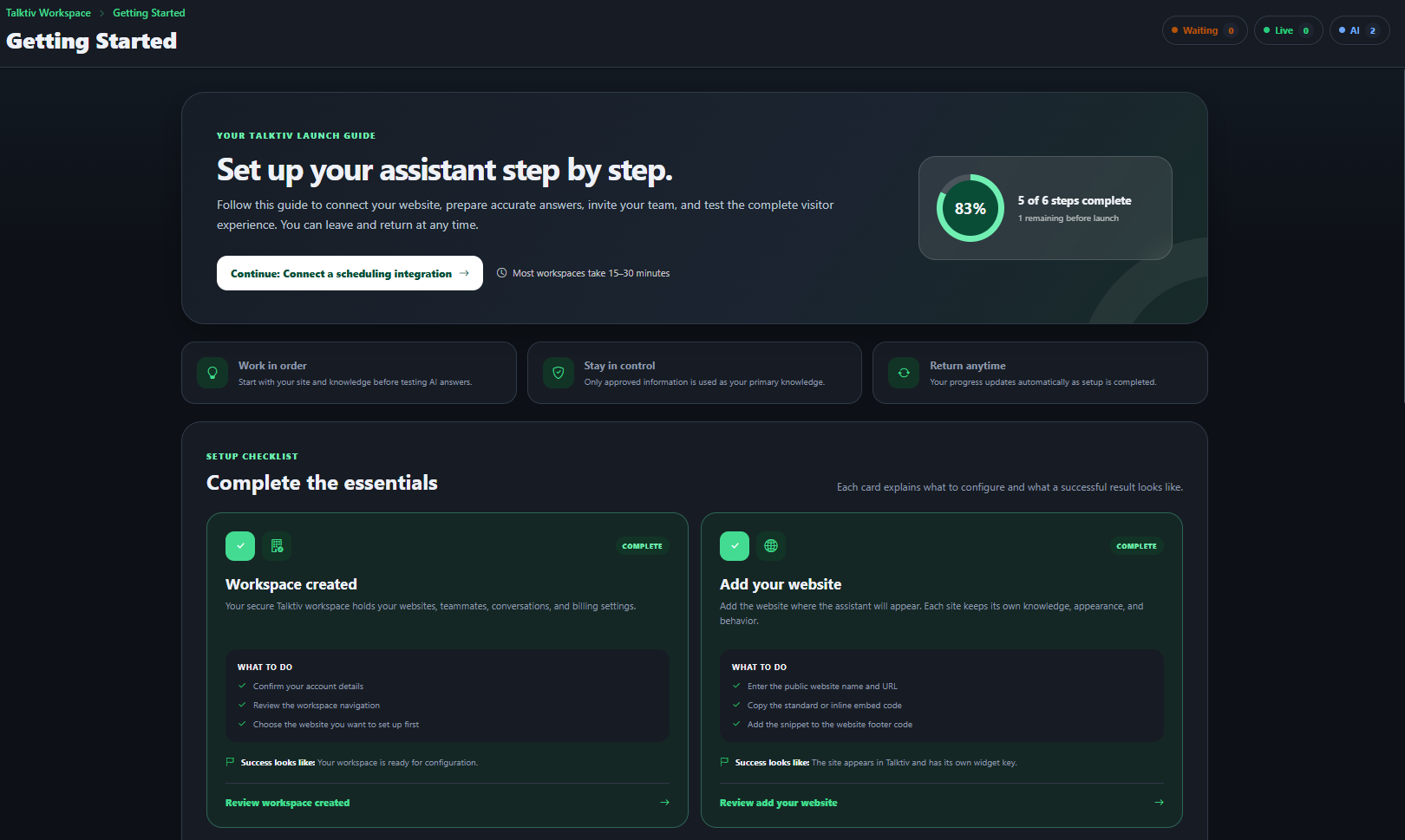
Step 1: Create Your Account
Choose how you want to get started.
Free Live Chat
Talk directly with website visitors for $0 per month.
Live Chat + AI Chat
Add automated conversations starting at only $9.95 per month.

Step 2: Add Talktiv.ai to Your Website
Install the Talktiv.ai chat widget on your site.
Visitors can then begin conversations without leaving the page they’re viewing.
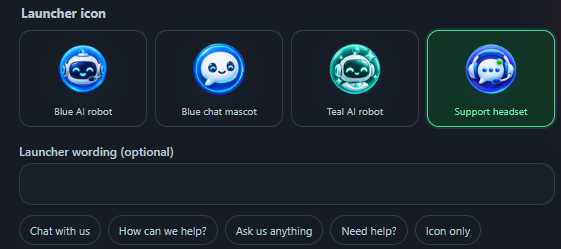
Step 3: Customize the Experience
Configure Talktiv.ai around your business.
Customize items such as:
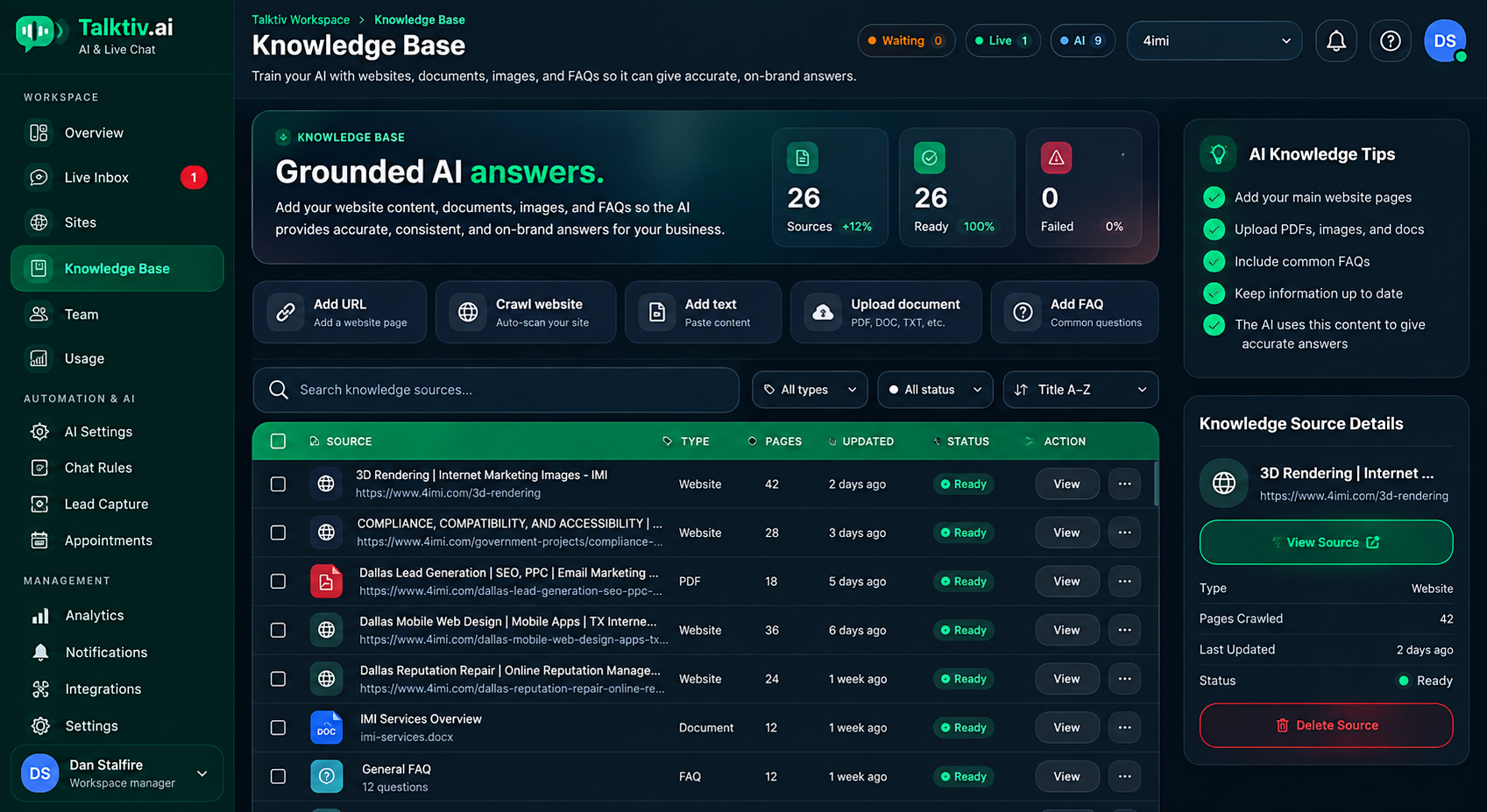
Step 4: Add Your Business Information
When using AI Chat, give Talktiv.ai the information it needs to help visitors.
This can include:
- Products
- Services
- Pricing
- Business hours
- Service areas
- Policies
- FAQs
- Support information
Step 5: Visitors Start Asking Questions
Customers can ask things like:
“Do you offer this service?”
“How much does it cost?”
“Do you serve my area?”
"How do I schedule?"
“Can someone help me?”
Instead of searching, they can simply ask.
Step 6: AI or a Human Responds
Use Live Chat, AI Chat, or both.
AI can handle routine questions and after-hours conversations.
Your team can handle personalized sales, service, and support.
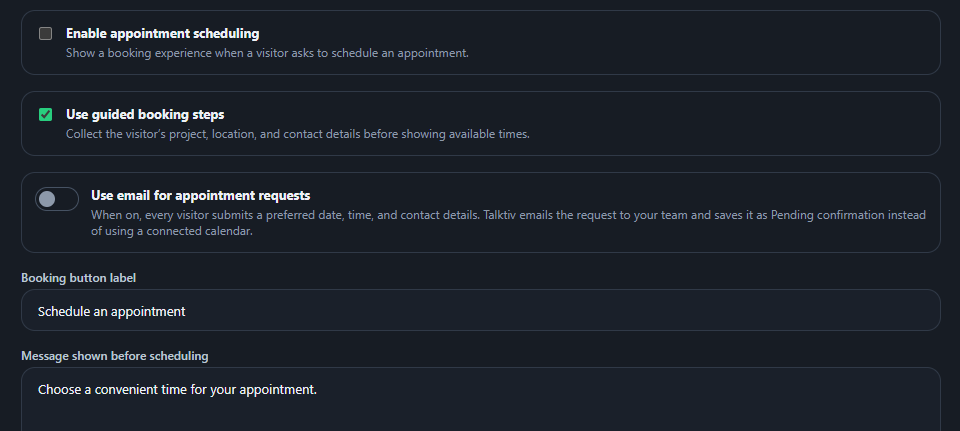
Step 7: Capture the Opportunity
Turn conversations into:
Step 8: Your Team Steps In When Needed
When AI isn’t enough, a real employee can continue the conversation.
AI when it makes sense. Humans when it matters.
